 DIY Proof
Best air quality monitors for 2026: radon, VOCs and pollen
For 2026, we pick the Airthings 292 Wave Mini as the best air quality monitor overall. Here is what its six readings cover, and the two jobs it cannot do.
Some links in this article are affiliate links: if you buy through one, we may earn a commission at no extra cost to you. As an Amazon Associate we earn from qualifying purchases. How affiliate links work here
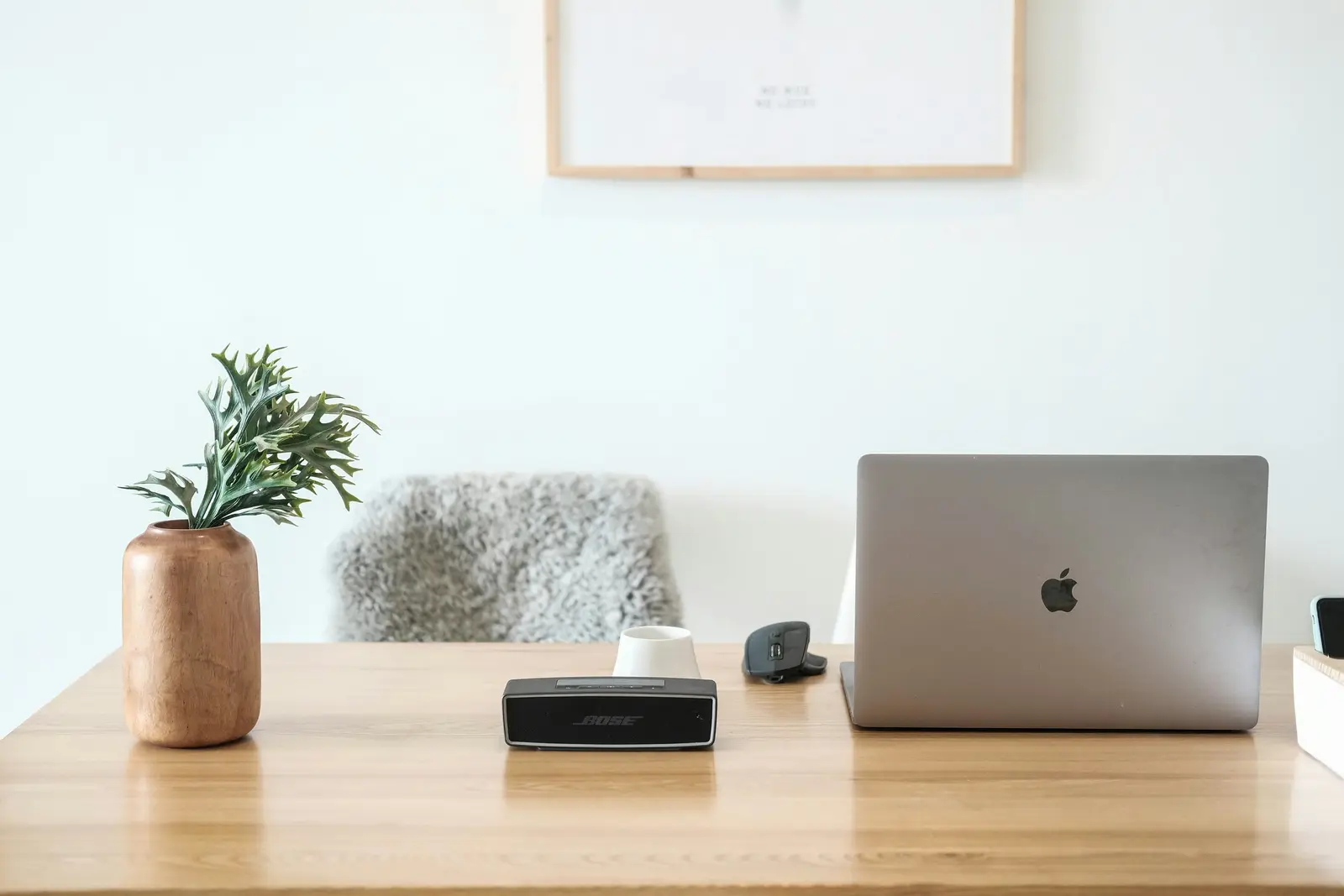
More than 40 air quality monitors were researched, the field was narrowed and a selection was tested. The Airthings 292 Wave Mini is the overall pick. It wins on coverage: six readings from one box, plus smart home support and a design meant to move between rooms.
Airthings 292 Wave Mini
It wins on coverage: six readings from one box, plus smart home support and a design meant to move between rooms.
What these devices actually measure
An air quality monitor is a set of sensors with a screen or an app attached. The useful ones detect hazards you can't see or smell. Radon and carbon monoxide are colourless and odourless, which is how they cause harm in homes that seem perfectly fine. VOCs come off paint, adhesives, cleaning products and new furniture. Particulate matter covers the dust and pollen floating in the room.
The job is early warning. A number that climbs tells you to open a window, run the extractor, or get out of the room. Coverage is where the category gets messy: the roundup is blunt that not all monitors detect all harmful pollutants. Work out which pollutant worries you, then check the spec sheet for that sensor.
The pick, and what each reading means
The Airthings 292 Wave Mini monitors total VOCs, radon, temperature, humidity, mould risk and outdoor pollen levels. It has smart home capability and indicators you can read from across a room.
Two of those six need translating. TVOCs are one combined figure for a whole family of gases, so a spike tells you something changed (new furniture, fresh paint, a cleaning session) without naming the chemical. Mould risk is calculated from temperature and humidity, so it warns about damp conditions rather than detecting mould itself. The pollen figure is outdoor pollen: useful for deciding whether to open the window on a high-count day, and no guide at all to the dust under your own bed.
Pros
- Six readings in one unit: TVOCs, radon, temperature, humidity, mould risk and outdoor pollen
- Works with a smart home setup
- Readable indicators and a design you can move from room to room
Cons
- Pollen data is outdoor pollen, so it says nothing about dust in the room
- TVOCs arrive as a single combined number, so you can't tell which gas moved
- The radon reading shows a trend, not a lab-tested result
Radon and carbon monoxide need their own devices
A radon number on a monitor is a trend line. It shows whether levels in a basement room are drifting up over days and weeks, which is useful. It is not a radon test. Those use a passive detector left in place for a set period and analysed by a lab, and the lab result is what you act on when you're buying or selling a house or deciding whether to pay for a mitigation system. If your monitor starts showing a climb, order a test kit.
Carbon monoxide is simpler. Some monitors include a CO sensor and plenty don't. Even the ones that do are not a CO alarm, which is the device built to sound at a level that matters while you're asleep. Fit an alarm. The monitor handles everything else.
How to set one up
- Time:
- 15 minutes to set up, then several days of readings before you compare anything
- Difficulty:
- Easy. No wiring and no drilling.
- Cost:
- No extras beyond the monitor itself if you use the cable and adapter in the box
Tools: Phone with the manufacturer's app, Spare USB power adapter if the cable in the box is short, Step ladder for a high shelf
Materials: The monitor and its power cable, A shelf or side table at sitting height
- 01
Check the sensor list against your concern
Before you power it on, confirm the unit measures what you're worried about. Temperature, humidity and TVOCs are common. Radon, carbon monoxide and particle counts are not on every model.
- 02
Pick a spot at breathing height
Sit the monitor on a shelf or side table about 1 to 1.5 metres off the floor, where you actually breathe. Keep it out of the kitchen and bathroom, and away from draughts from a window or door, all of which skew humidity and gas readings.
- 03
Power it and connect the app
Plug it in with the cable from the box and pair it with the manufacturer's app. Ignore the readings from the first while; sensors need to settle after a cold start.
- 04
Add it to your smart home setup
If you run a hub, link the monitor so its readings land in the same app as your other sensors, then set an alert at the level you'd actually act on.
- 05
Read the trend, then do something
Watch the direction over days. A slow climb in a closed room means ventilate. A VOC spike after painting means open the windows and keep the room aired. A rising radon figure means order a lab test.
- 06
Move it around the house
One unit across a whole house gives snapshots rather than a record. Run it a week in the bedroom, a week where you spend your evenings, and a week in the basement if you have one, then compare.
Placement decides whether the number means anything
You can put a monitor on a shelf and learn nothing, because the air in a room isn't the same everywhere. A unit next to a radiator reads warm and dry. One beside the bathroom door reads the humidity of the shower, not the house. One on the floor reads dust.
Set it at sitting or standing breathing height, away from windows, doors and heat sources. If you want to know what bedroom air is like overnight, the monitor has to spend the night in the bedroom.
What you'll pay
The review doesn't publish a price with the pick, so check the current figure before you commit. Cost tracks the sensor list. Temperature, humidity and TVOCs are cheap to build in. Radon sensing pushes a unit into a higher bracket. Particle counting is a third cost on top of that.
If your only question is when to open a window, a basic humidity and VOC unit answers it. If you live in a radon area, that sensor is the one worth paying for, and the lab test that follows it is the part that actually tells you what to do.
Who should skip one
If carbon monoxide is your concern, buy an alarm instead. It's the device built to wake you, and a monitor's CO sensor, where it has one, isn't.
If you suspect a radon problem, go straight to a test kit. A monitor may push you to order one; it can't replace it.
If you know you won't act on a reading, don't buy the gadget. A bathroom extractor fan that actually gets used, or a window opened for ten minutes after cooking, does more for your air than a screen you ignore. The monitor earns its place only when the number changes what you do next.
Common questions
- Which air quality monitor is best overall?
- Bob Vila's 2026 roundup named the Airthings 292 Wave Mini its top pick. It reads TVOCs, radon, temperature, humidity, mould risk and outdoor pollen, and it links to a smart home setup. If you need particle readings, check whether a model lists them, because coverage varies a lot.
- Do air quality monitors detect carbon monoxide?
- Some do and many don't. Even a model with a CO sensor is not a CO alarm, so fit an alarm either way. Check the spec sheet before buying if CO is your main worry.
- Can a monitor replace a radon test?
- No. A monitor shows a trend over time. A radon test uses a detector left in place for a set period and analysed by a lab, and that result is what you use to decide on mitigation. Treat the monitor as a prompt to order the test.
- Does an air quality monitor detect mould?
- It estimates mould risk from temperature and humidity. It doesn't detect mould growth or spores. If you can smell damp, find the source and fix it; a reading won't tell you where the water is getting in.
- How many monitors does a house need?
- One unit moved between rooms gives snapshots. Continuous readings in one room need one unit per room. Start with one where you sleep and add a second only when a reading gives you a reason to.
- Are cheap air quality monitors worth it?
- Yes if you only want humidity, temperature and a rough VOC figure. They stop being useful when you need radon or particle counts, because those sensors cost money and budget units tend to leave them out.
Sources
Next projects
Best smart thermostat 2026: 8% off the bill, at €75 or €230
The ecobee Smart Thermostat Premium is the best smart thermostat for most homes at about €230. What decides your install is a C-wire, and in Europe, the boiler.
Best home thermostats 2026: four picks and the EU compatibility catch
Four thermostats came out ahead in the 2026 round-up, and the one that suits your house depends on your boiler. Here is what each pick solves, plus the checks to run before you order.
SwitchBot K11+ Pro review: a 9 cm robot built for under the sofa
SwitchBot's K11+ Pro is a 9.1 cm robot vacuum that gets under sofas and beds where bigger bots stop, with a 4 L bag rated for 90 days. Mopping is light duty.